 Typing Trainer
Daily typing drills for Android
Type faster, a little every day.
Pick a short drill, type for 30 or 60 seconds and keep your streak going. A daily goal based on your best result keeps every session just challenging enough.
Android 7.0+ · drills in six languages · no account
Screenshots
Your daily routine, step by step.
How it works
A routine that fits in a coffee break.
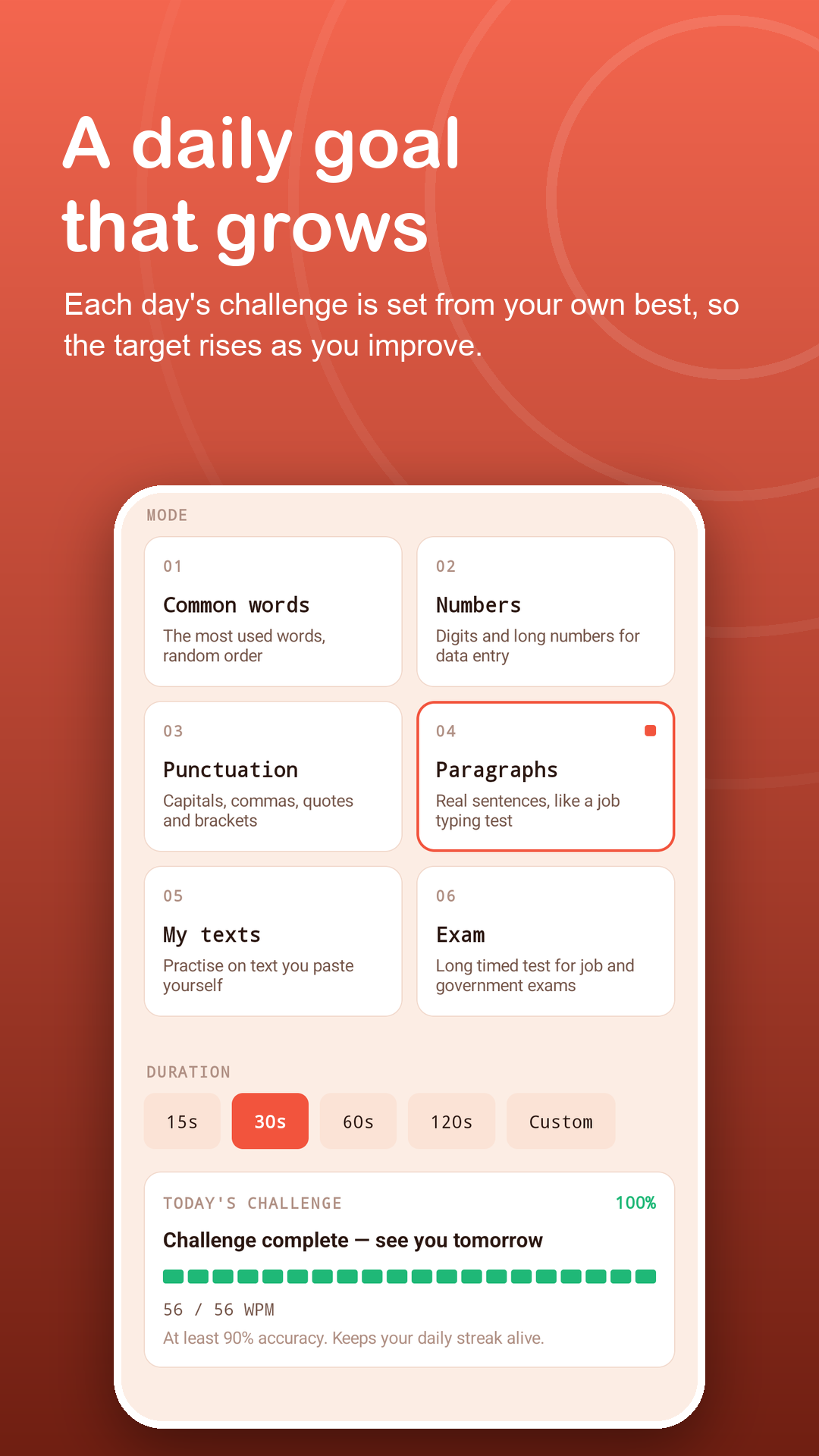
Check today's goal
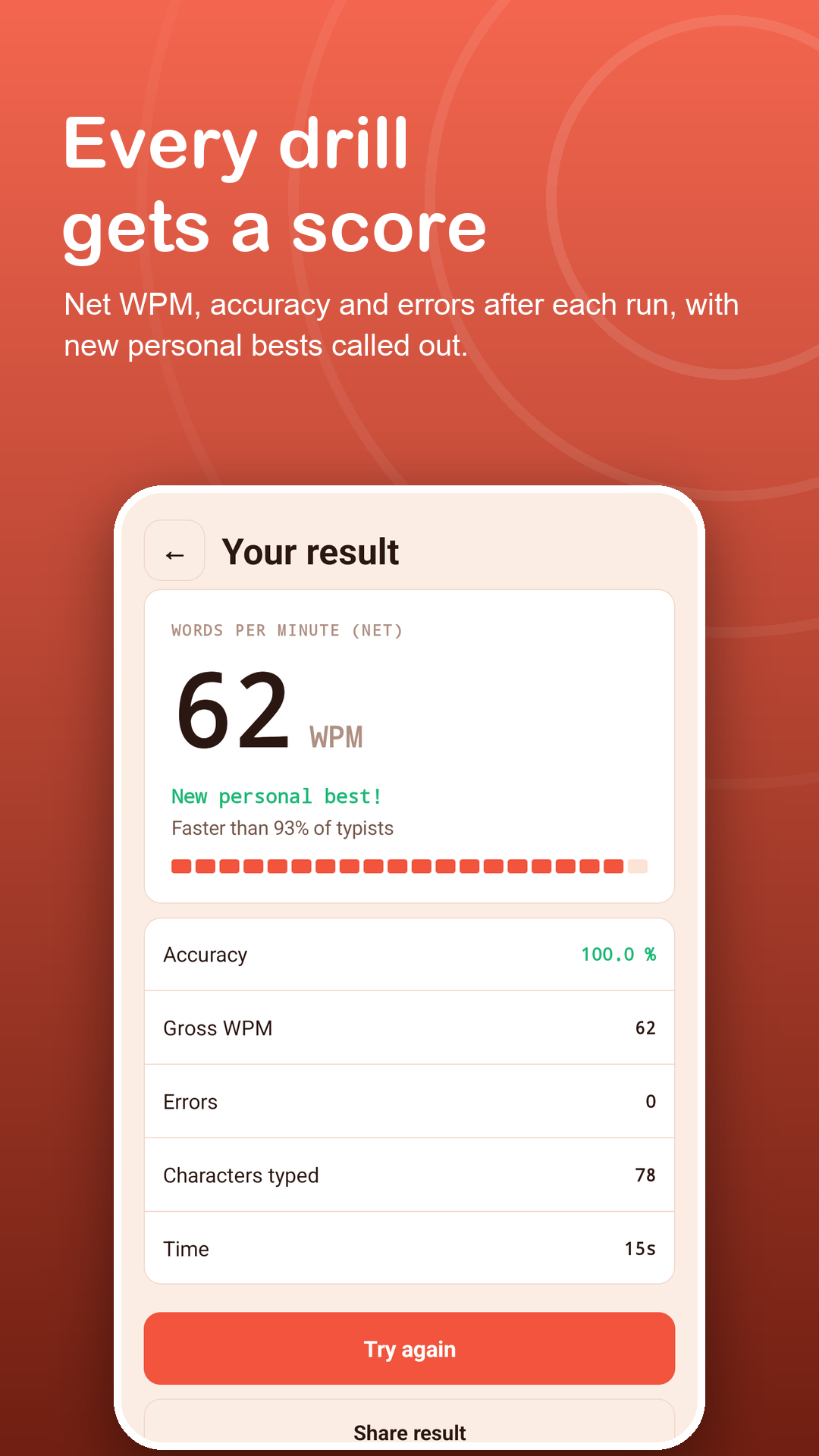
The trainer sets a target at 90% of your best speed. Reach it with 90% accuracy to keep your streak.
Pick a drill
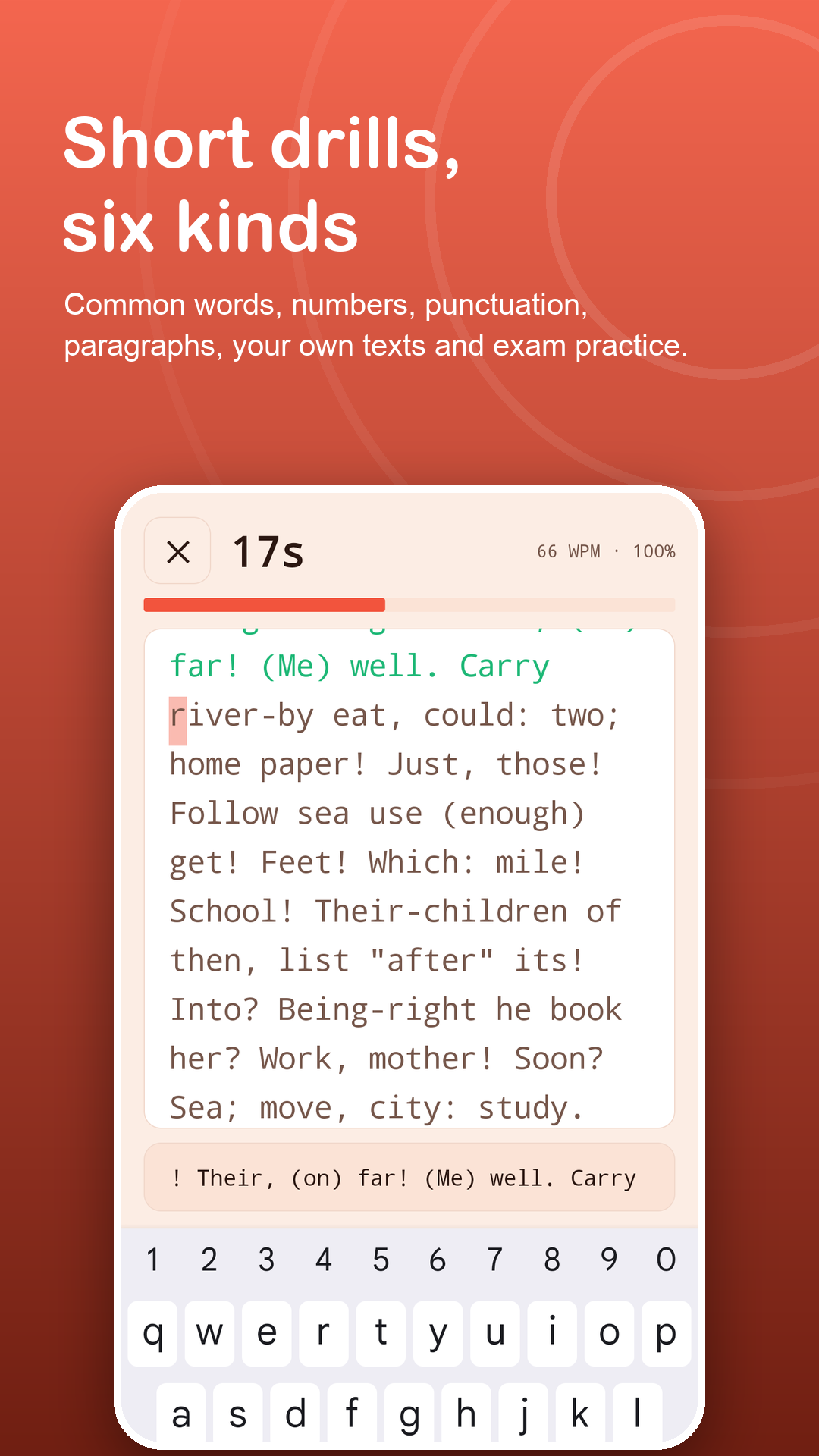
Common words, numbers, punctuation, paragraphs, your own texts or a long exam, from 10 seconds to 10 minutes.
Repeat and watch it grow
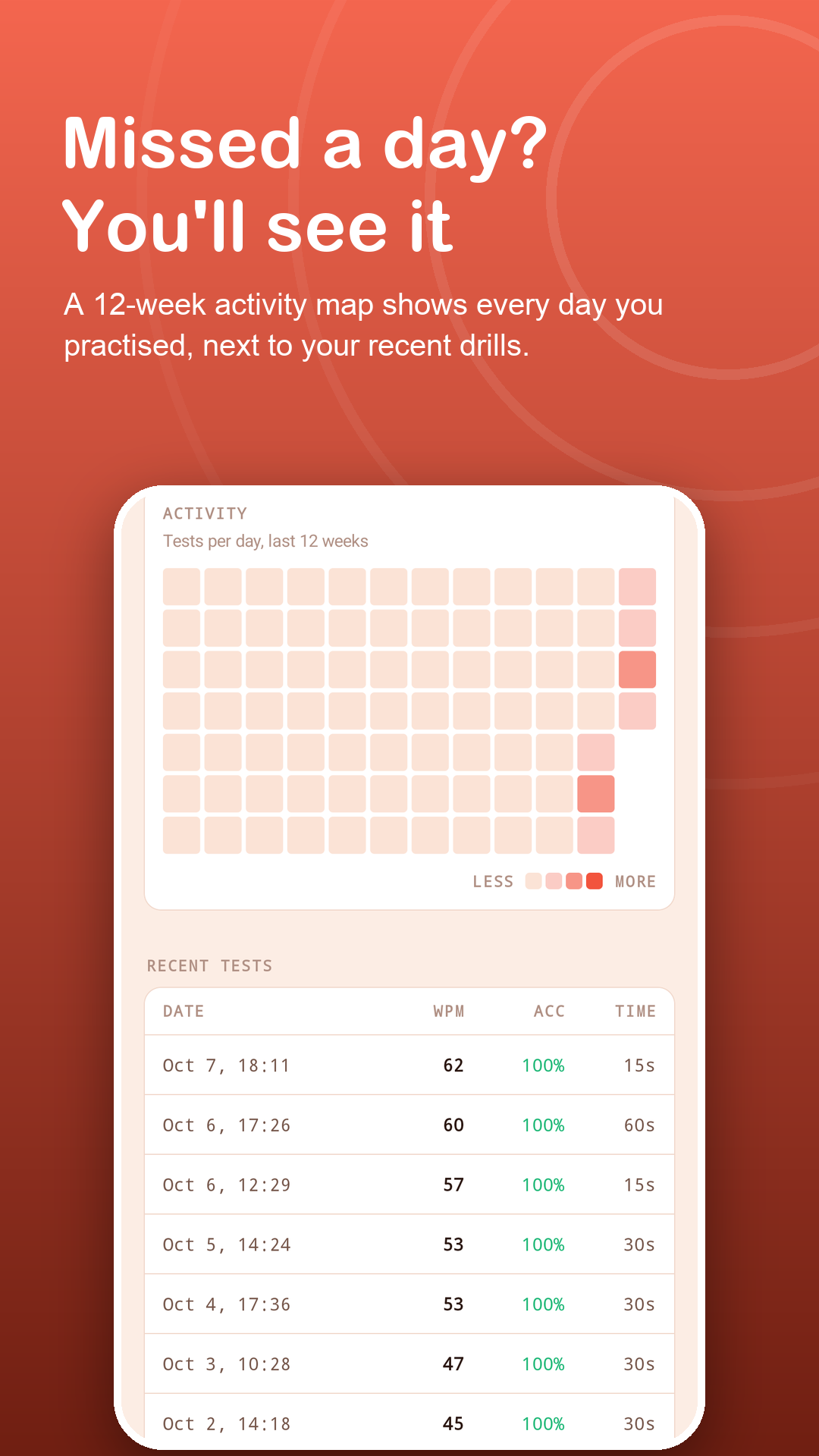
Tap Try again until the goal is done. Every practice day fills a square on your activity map.
Features
Small sessions, steady progress.
Six drill types
Frequent words, digits, punctuation, real sentences, your own pasted notes, and a long exam for stamina.
A goal that grows
As your best speed rises, so does the daily target, so it always stays within reach.
Streak and activity map
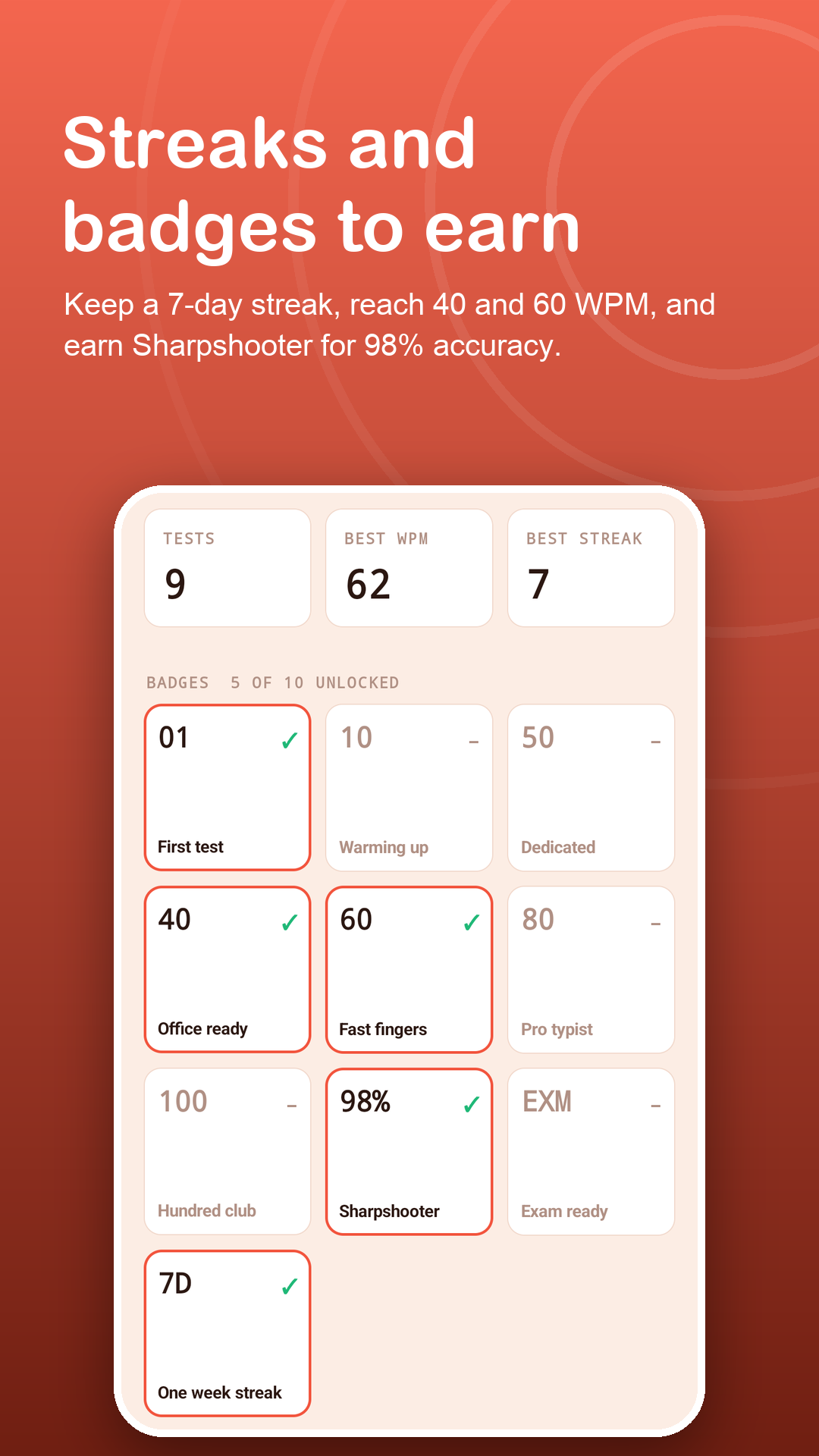
A streak counter and a 12-week map make missed days easy to spot.
Badges
First drill, 10 and 50 drills, a week-long streak, 40 to 100 words per minute and high accuracy.
Gentle feedback
Hide the live counter if it stresses you, and turn on a soft vibration for wrong keys.
Six languages
Drills in English, Vietnamese, Spanish, Indonesian, Portuguese and Hindi, on-screen or with a Bluetooth or USB keyboard.
Privacy
Your practice stays on your device.
No account to create. Drill results, your streak and saved texts are stored only on your phone. The internet is used only for ads, Google Play purchases and anonymous usage and crash statistics. Read the privacy policy.
FAQ
Fair questions.
How long should I practise each day?
A few short drills are enough. Two or three 30 to 60 second drills usually take under five minutes, and reaching the daily goal keeps your streak.
How is the daily goal set?
It is 90% of your best speed so far (at least 20 words per minute), reached with 90% accuracy in a drill of 30 seconds or longer.
Can I drill on my own words?
Yes. Paste notes, a vocabulary list or any passage into My texts. The free version keeps 3 texts; Premium keeps as many as you like.
Do ads appear during a drill?
No. Ads never appear on the typing screen or the result screen.
What is free and what is Premium?
Every drill, length, language, badge and the daily goal are free, with 7 days of history and 3 saved texts. Premium removes ads and adds full history with CSV export, unlimited texts and custom exams.
Which permissions does the app need?
Only internet access (for ads, purchases and anonymous usage and crash statistics) and vibration (for the optional wrong-key feedback). It does not use the Accessibility API, overlays, contacts, files or location.